HIPAA Remediation Plan Template
A risk analysis without a remediation plan is a half-done HIPAA program. Use this template to turn each finding into a tracked, owned, dated corrective action with the documentation auditors expect.
What goes in each remediation entry
| Field | What to capture |
|---|---|
| Finding ID | Stable identifier so the entry can be referenced across systems and over time. |
| Description | What the gap or risk is, in plain language. |
| Source | Where the finding came from (Security Risk Analysis, vulnerability scan, incident, vendor review). |
| Risk rating | Likelihood and impact, plus a final severity (e.g., Critical / High / Medium / Low). |
| HIPAA reference | The Security Rule section the finding maps to. |
| Owner | The named person accountable for closure. |
| Target date | When the remediation is expected to be complete. |
| Planned action | What will be done — be specific. |
| Status | Open / In Progress / Completed / Risk Accepted, with date of last update. |
| Evidence | Link or attachment showing the action was completed. |
| Residual risk note | If the risk is accepted, why — and who signed off. |
Three worked examples
| Finding | Plan | Status |
|---|---|---|
| Two front-desk workstations are not encrypted at rest. (SRA-2026-04, High) | Enable full-disk encryption on both workstations; verify with screenshots; update endpoint inventory. Owner: Office Manager. Target: 2026-05-30. | In Progress — encryption enabled, verification pending. |
| Three vendors with PHI access have no signed BAA on file. (SRA-2026-08, High) | Send BAAs to vendors; route signed copies to compliance folder; update vendor register. Owner: Practice Administrator. Target: 2026-06-15. | Open — outreach sent 2026-05-10. |
| EHR audit logs not reviewed regularly. (SRA-2026-12, Medium) | Establish monthly audit-log review checklist with sign-off; schedule recurring task; train reviewer. Owner: Security Official. Target: 2026-06-01. | Completed — first review filed 2026-05-09. |
Dates are illustrative. Adjust to your organization's actual SRA cycle.
Common mistakes to avoid
- No owner. "The practice" is not an owner. A person is.
- No date. "Soon" is not a target. A date is.
- No evidence. If you closed an item with no artifact, the closure is unproven.
- Silent risk acceptance. If you decide not to remediate, document why and who signed off.
- Single document, never updated. A remediation plan is a living artifact, not a one-time output.
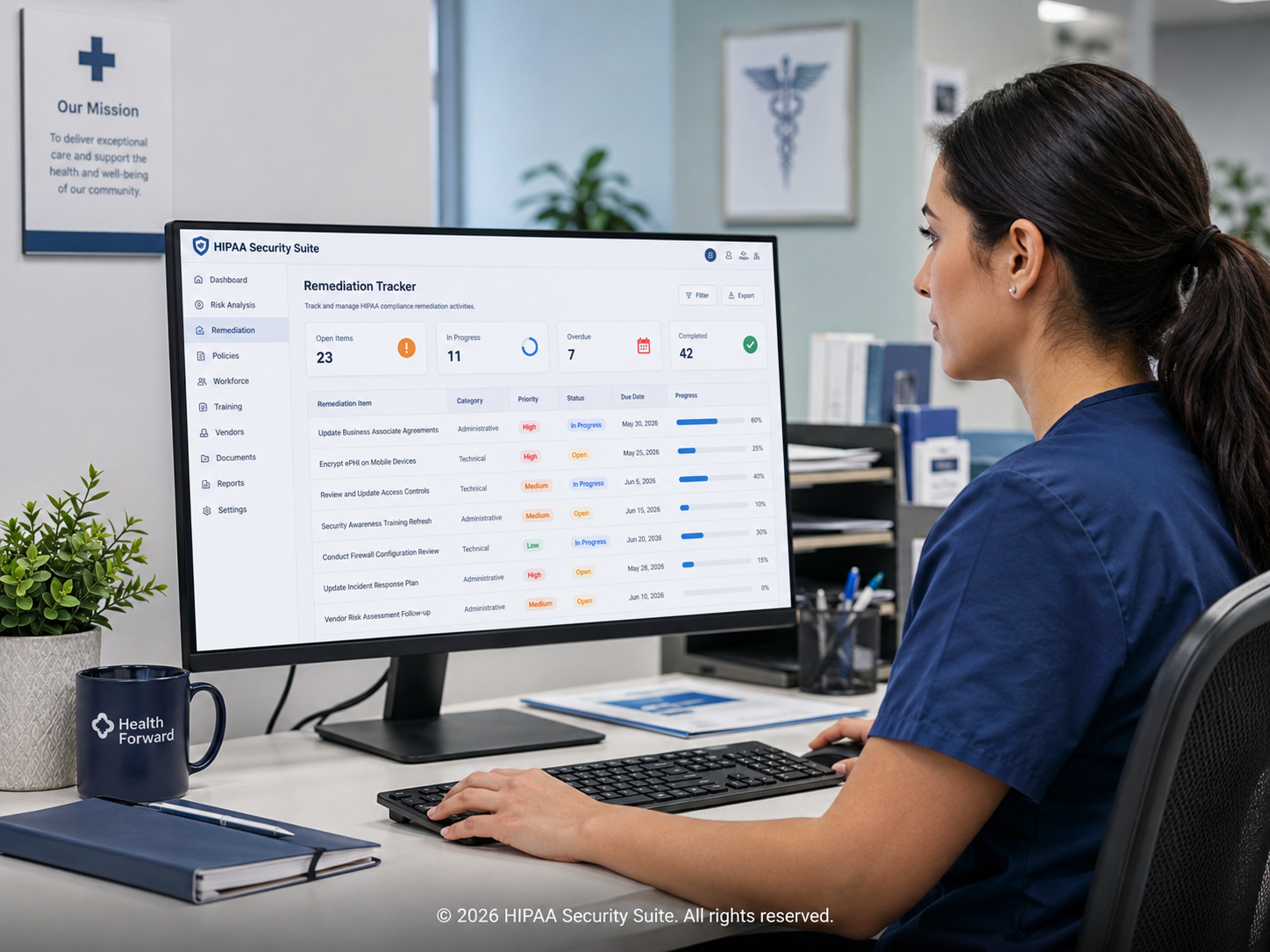
How HIPAA Security Suite handles remediation
| Need | How the platform helps |
|---|---|
| Convert findings into actions | Every Security Risk Analysis finding can be promoted into a tracked remediation task. |
| Assign owners & dates | Each task has an accountable owner, due date, and status. |
| Attach evidence | Upload artifacts directly to the remediation entry to prove closure. |
| Surface what's overdue | Dashboards flag overdue items so nothing slips quietly. |
| Audit-ready report | Produce the remediation history as part of the audit response package. |
Frequently asked questions
Is a HIPAA remediation plan required?
Yes — implicitly. The HIPAA Security Rule requires risk management, meaning organizations must implement security measures sufficient to reduce risks to a reasonable level. A remediation plan is how that work is documented.
Why do auditors care about a remediation plan?
A risk analysis without a remediation plan shows that you found risks but did nothing about them. The plan demonstrates that the organization actively manages identified risk.
What is a reasonable remediation timeline?
Timelines vary by severity. Critical risks should typically be addressed within days to weeks; lower-severity findings within months. Document the rationale for each timeline.
Can software automate HIPAA remediation tracking?
Yes. HIPAA Security Suite tracks remediation tasks with owners, dates, status, and evidence — and surfaces overdue items so nothing falls through the cracks.
Close the loop on every HIPAA finding
HIPAA Security Suite converts SRA findings into tracked remediation tasks with owners, dates, evidence, and audit-ready reporting — all in one workspace.